A single source of truth for system status

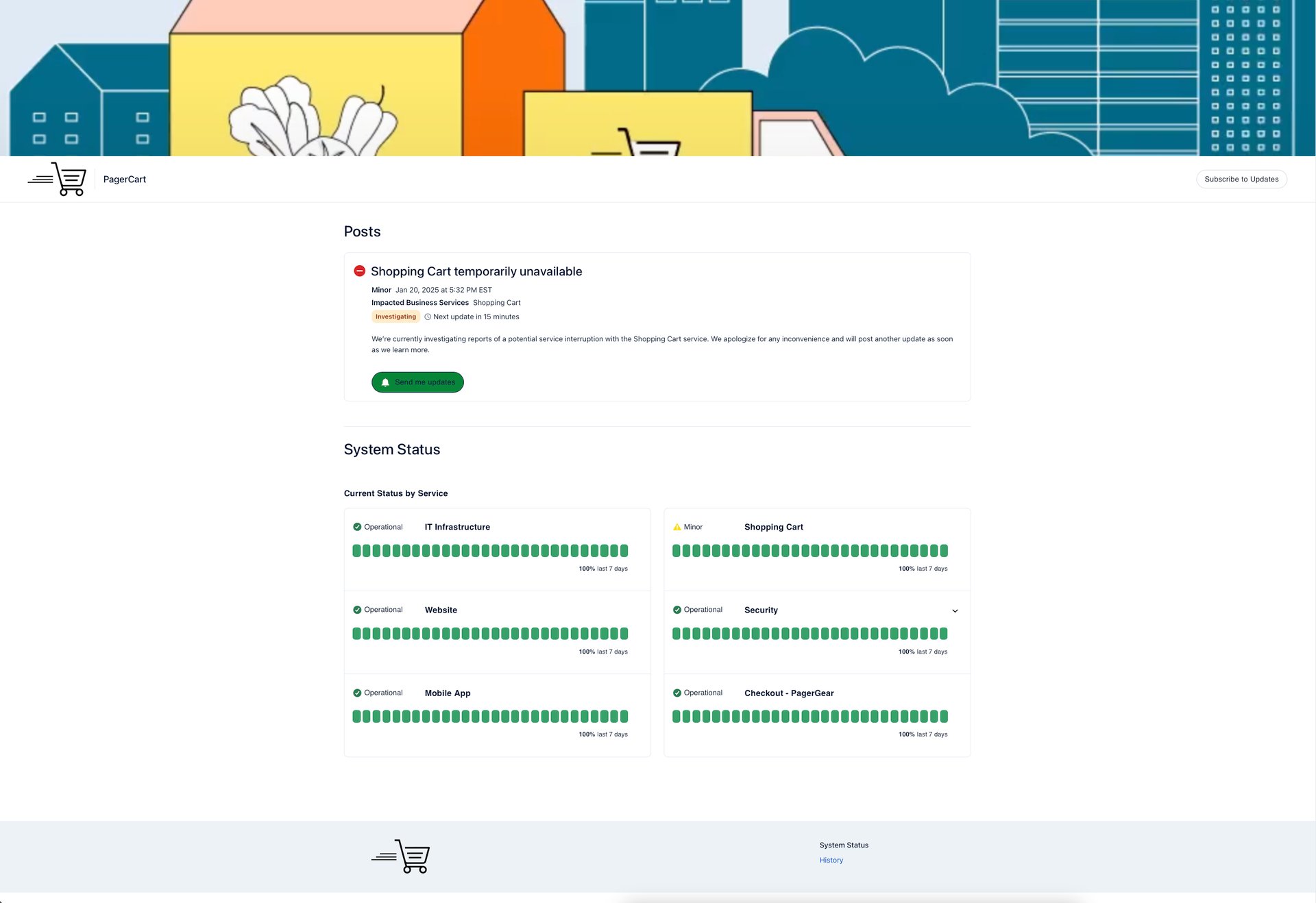
Availability and reliability are paramount for customer retention and satisfaction. PagerDuty Status Pages show your organization's current operational state—so you can proactively communicate with your audiences. This is the Single Source of Truth you and your customers need.

Start for Free

Public Status Pages

Proactively communicate the status of key services with your customers publicly before they even realize there is a problem, delivering clarity and trust

Private Status Pages

Private Pages give access control to ensure only the people you want can access them via Single Sign On, without requiring a PagerDuty account

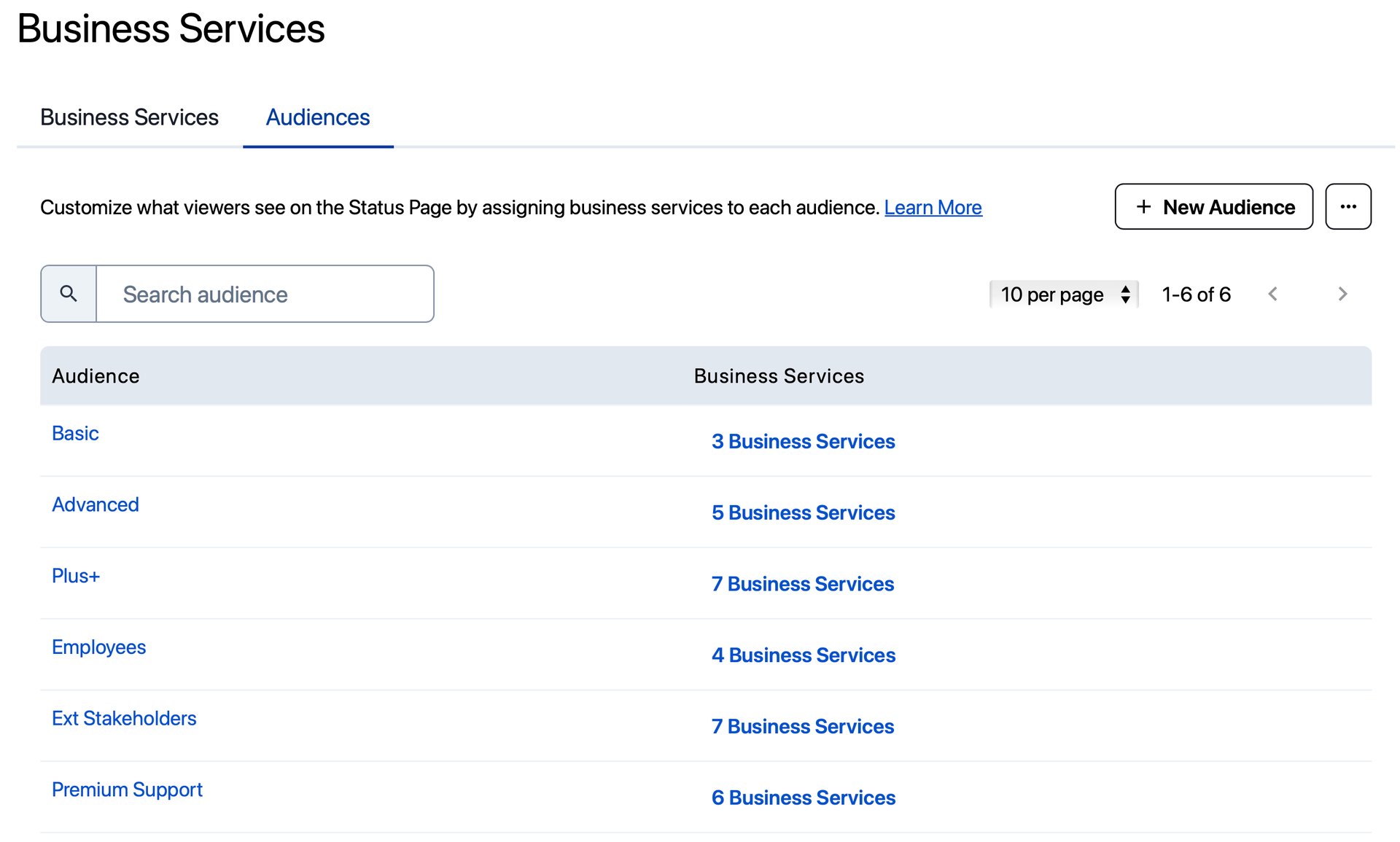
Audience Specific Status Pages

Deliver the right information to the right audiences by sharing tailored status updates based on SSO permissions. Ensure that each user sees the most relevant update while maintaining control over sensitive information
Product Capabilities

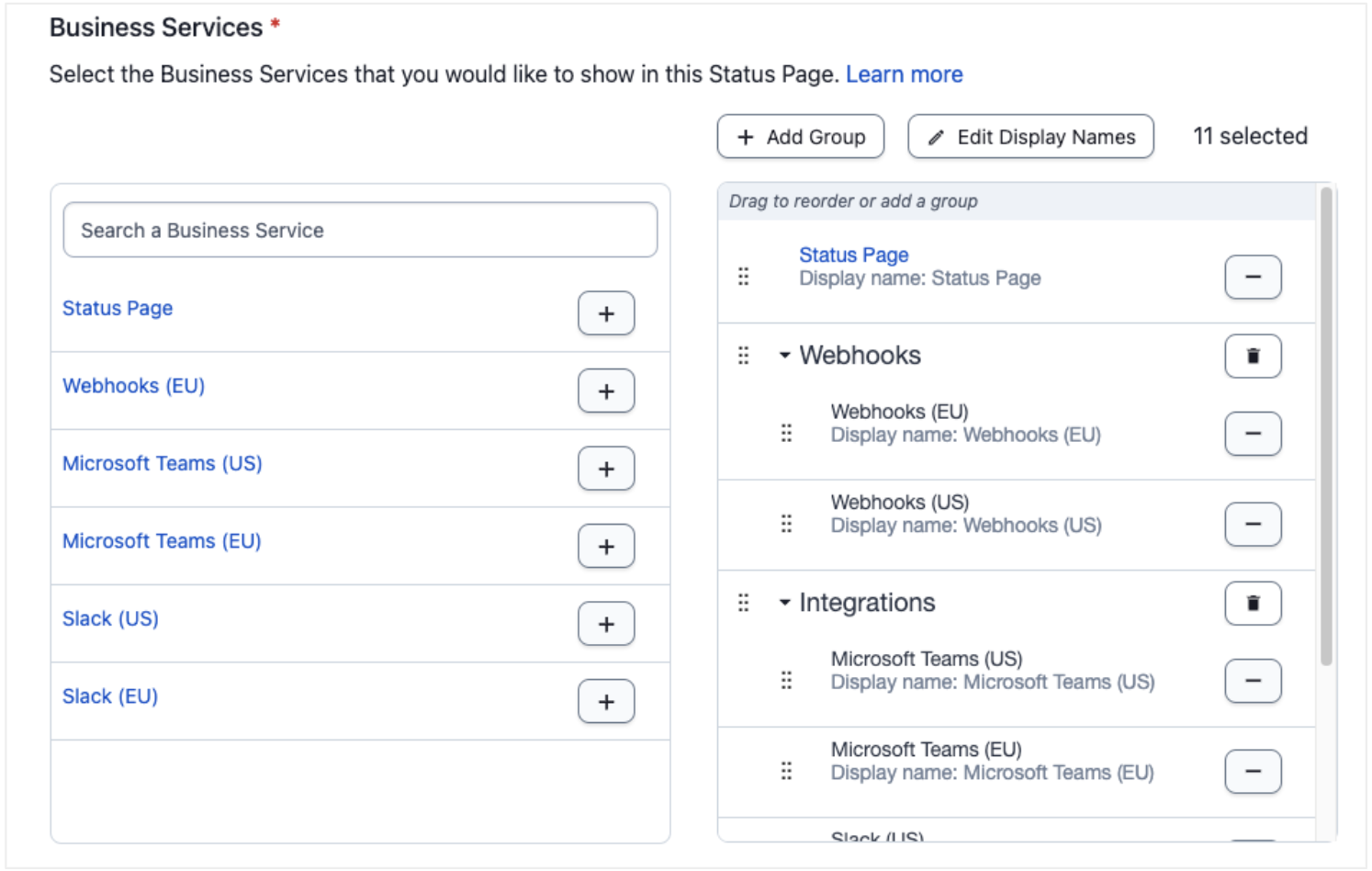
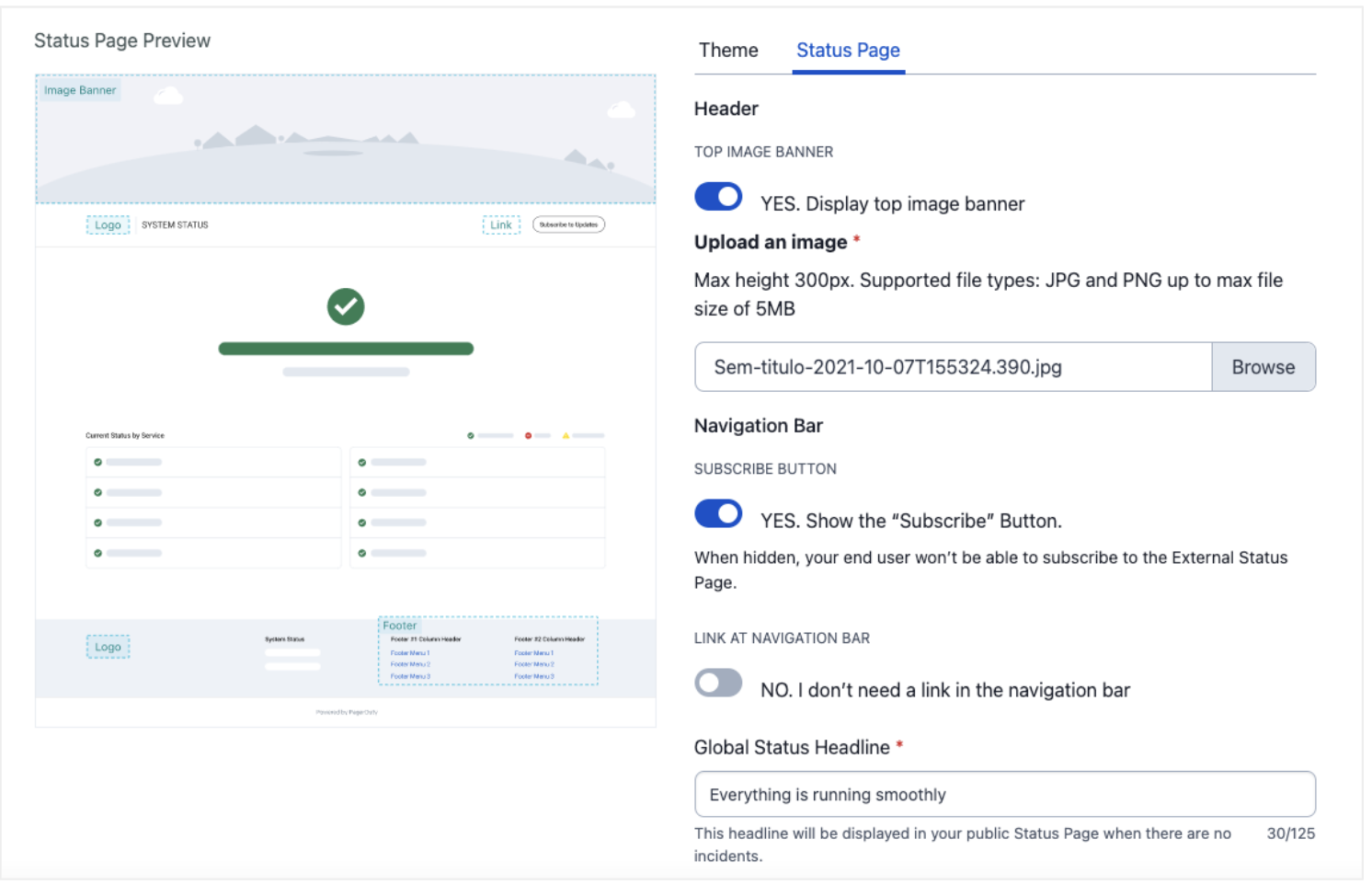
  • Set Up And Configuration in Minutes
  • Customizable Layouts
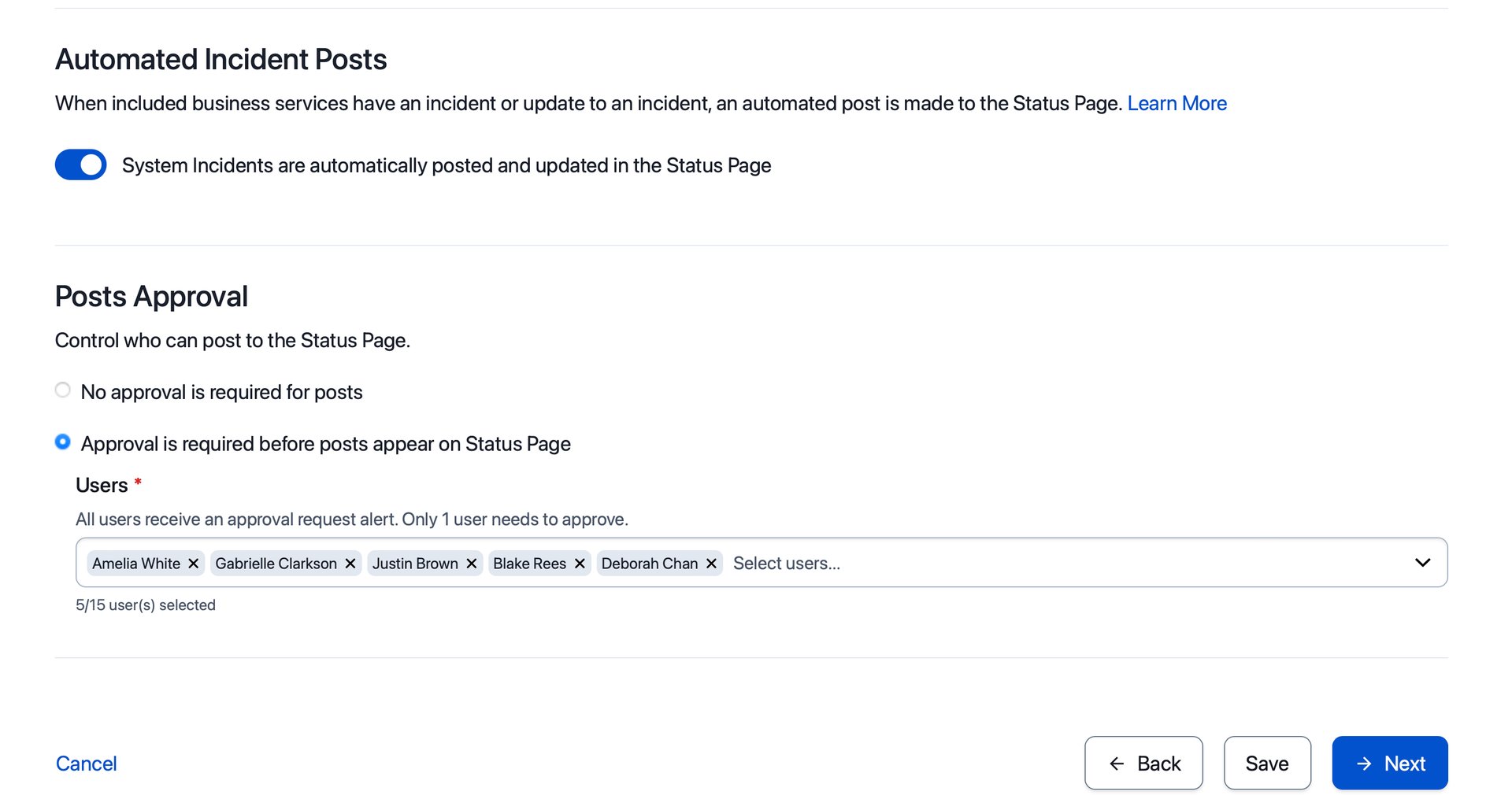
  • Built-in Automation Workflows
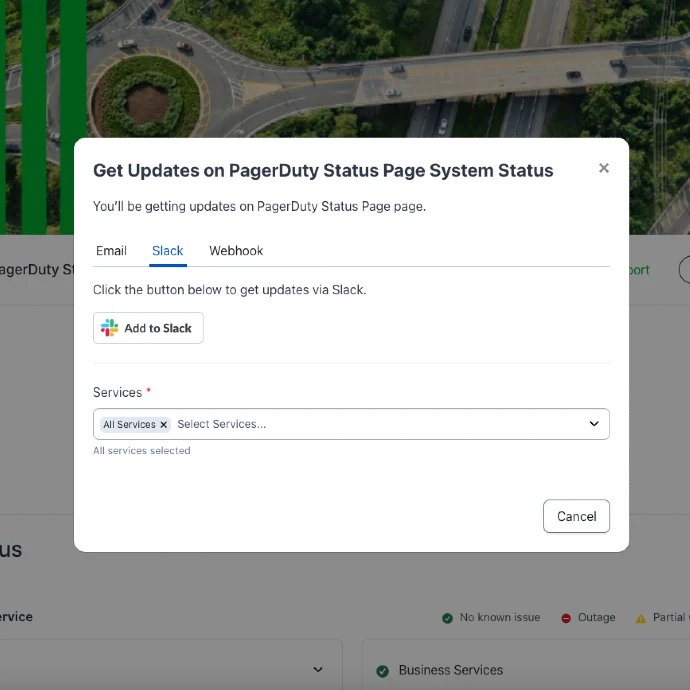
  • Email, Slack and Webhooks Notification
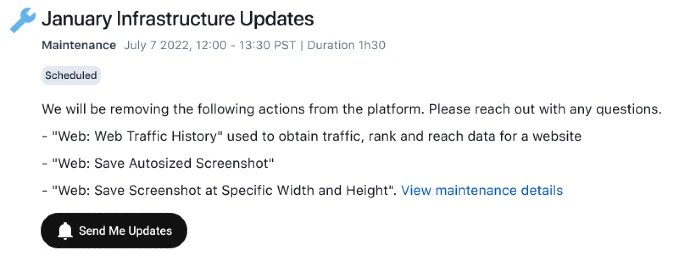
  • Scheduled Maintenance
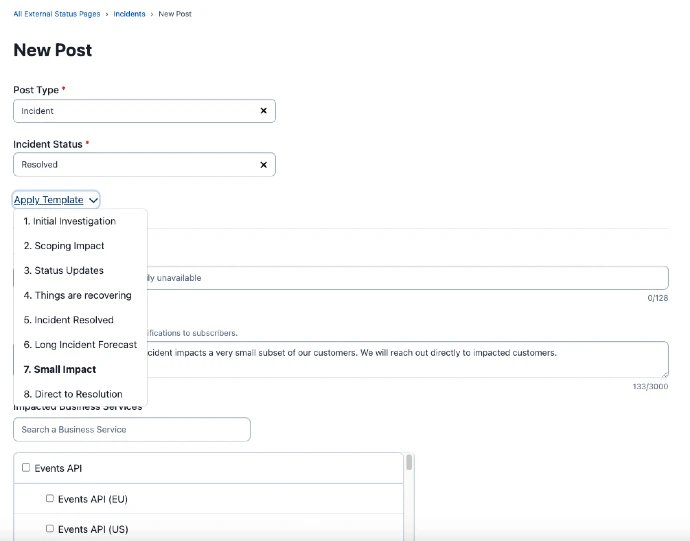
  • Incident Templates
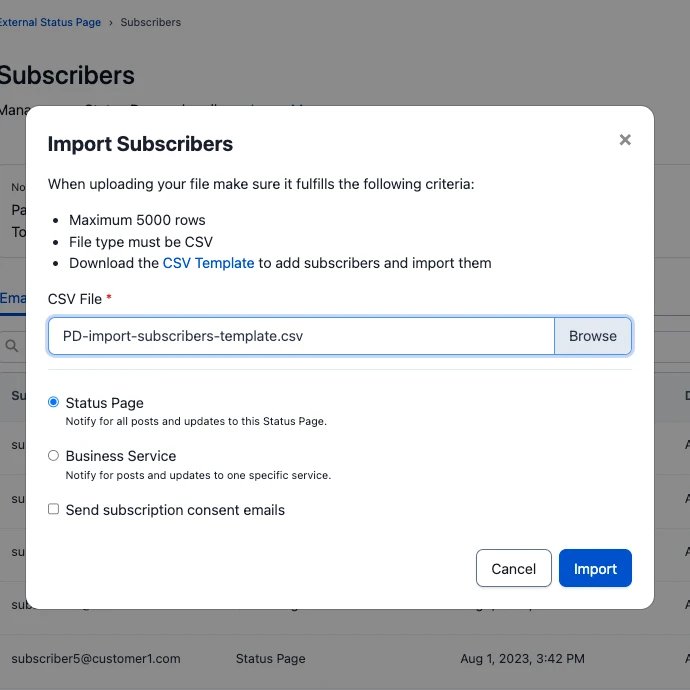
  • Import Subscribers
  • Tailor communication to specific groups
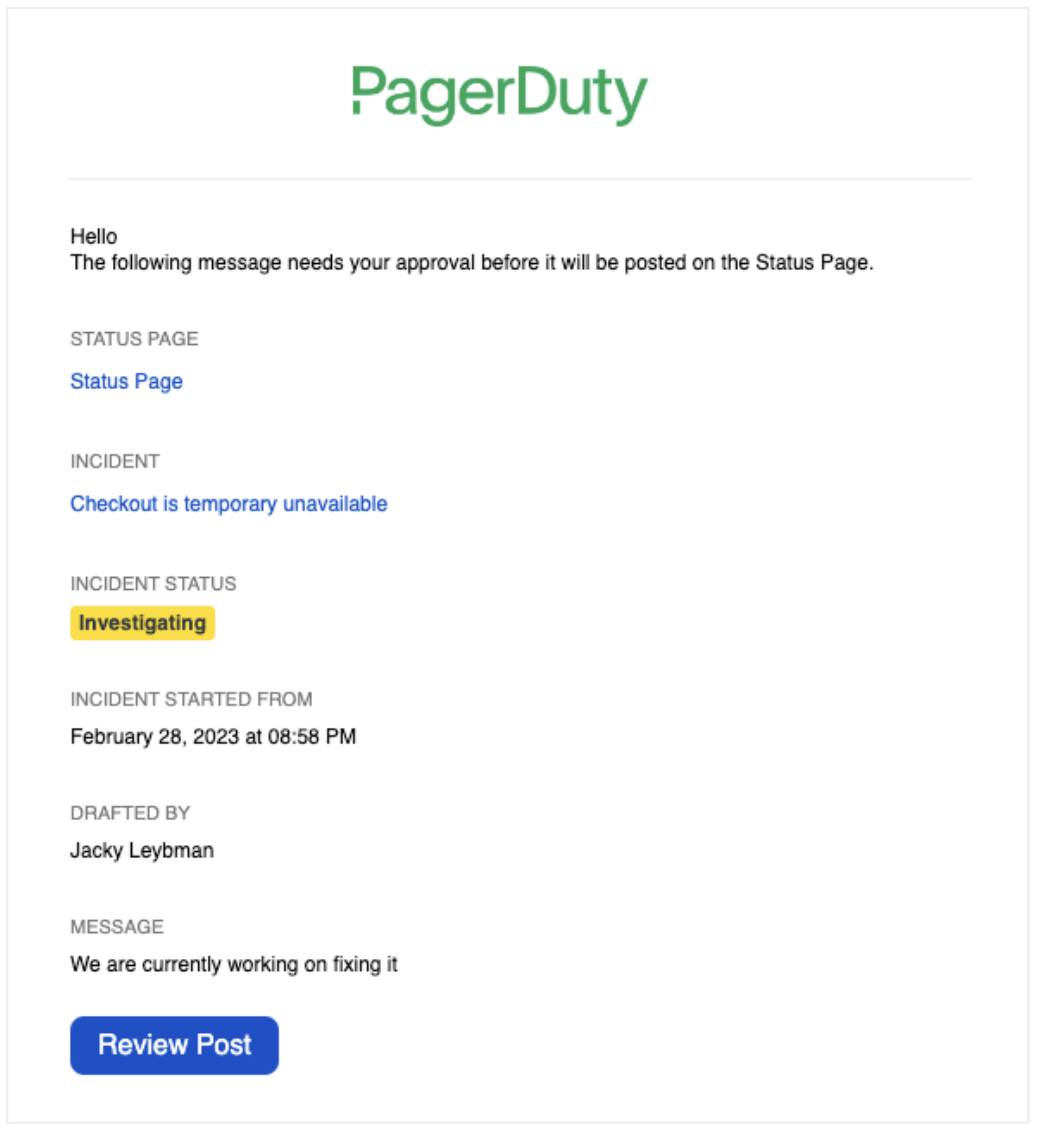
  • Automatic Updates with Human Approval
  • Service Uptime Metrics

Getting started is easy: Add on to any Incident Response or Customer Service Operations Plan

Resources

Frequently Asked Questions

What is a PagerDuty status page?
Icon Close

How much does PagerDuty Status Pages cost?
Icon Close

Can you create a private status page with PagerDuty?
Icon Close

How do PagerDuty status pages update automatically?
Icon Close

What notification channels do PagerDuty status pages support?
Icon Close

Does PagerDuty offer a free trial for Status Pages?
Icon Close

Can I use a custom domain with my PagerDuty status page?
Icon Close

Does PagerDuty Status Pages support planned maintenance windows?
Icon Close

Can status pages show different information to different audiences?
Icon Close

How do I get started with PagerDuty Status Pages?
Icon Close